
On this page
The swipe tool is useful for comparing and inspecting differences between layers, particularly when performing edits or validating spatial data.
The swipe tool can be enabled in builder and will appear as an icon in the bottom right of client applications.
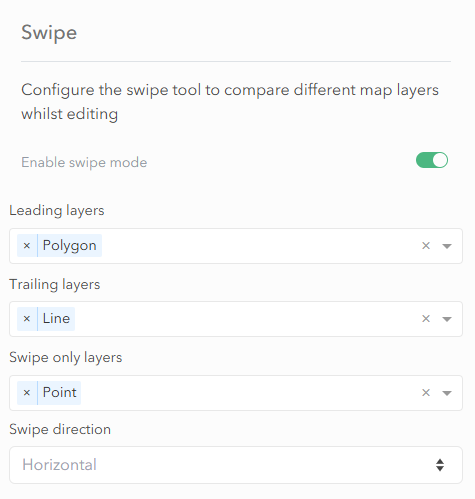
Leading Layers
These are the layers displayed on the leading side of the swipe.
Trailing Layers
These are the layers shown on the trailing side of the swipe.
Swipe-Only Layers
These layers are only visible and editable when the swipe tool is toggled on.
Swipe Direction
This controls how the swipe bar moves across the map. There are two options:
- Horizontal – Divider moves left to right. Leading layers will appear if the divider is to the right of the feature. Trailing layers will appear if the divider is to the left of the feature.
- Vertical – Divider moves up and down. Leading layers will appear if the divider is below the feature. Trailing layers will appear if the divider is above the feature.